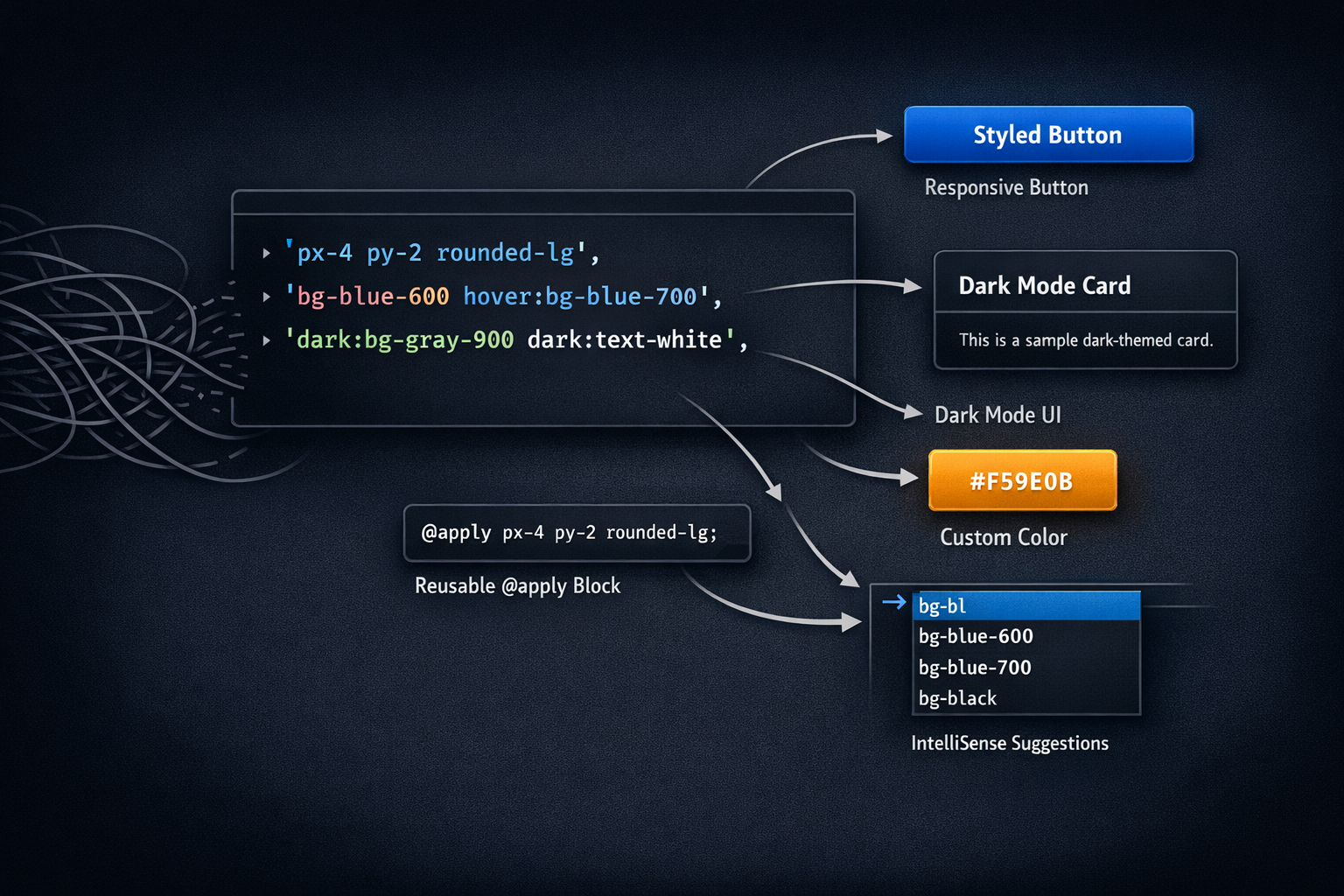
Tailwind CSS has revolutionized the way I write CSS. Here are five tips that have significantly improved my workflow.
1. Use @apply for Repeated Patterns
While Tailwind promotes utility-first CSS, sometimes you have patterns that repeat. Use @apply to create reusable components:
.btn {
  @apply px-4 py-2 rounded-lg font-medium transition-colors duration-200;
}

.btn-primary {
  @apply bg-blue-600 hover:bg-blue-700 text-white;
}
2. Leverage the JIT Compiler
The Just-In-Time compiler generates styles on-demand, giving you:
- Faster build times
- Smaller file sizes
- Arbitrary values:
w-[347px]
3. Create Custom Utilities
Extend Tailwind with your own utilities in tailwind.config.js:
module.exports = {
  theme: {
    extend: {
      colors: {
        brand: {
          500: '#3B82F6',
          600: '#2563EB',
        }
      }
    }
  }
}
4. Use Dark Mode Variants
Tailwind makes dark mode incredibly easy:
<div class="bg-white dark:bg-gray-900 text-gray-900 dark:text-white">
  Content that adapts to theme
</div>
5. Install the Tailwind CSS IntelliSense Extension
If you're using VS Code, this extension is a must-have. It provides:
- Autocomplete for class names
- Linting and validation
- Hover previews of CSS values
Conclusion
These tips have made working with Tailwind even more enjoyable. The framework's flexibility allows you to build beautiful, responsive designs quickly.
What are your favorite Tailwind tips? Let me know!