An S3 bucket with public read access. A storage account without encryption at rest. A virtual machine with SSH open to 0.0.0.0/0. These are not exotic attack vectors - they are the default configuration in half the tutorials on the internet, and they ship to production every day because nobody ran a scanner before terraform apply.
IaC misconfigurations are infrastructure bugs. The same discipline that catches application bugs in CI - write a check, fail the build, fix before merge - applies here. The tooling exists. The GitHub Actions integration is straightforward. The reason most teams don't do this isn't complexity; it's that nobody set it up on the first sprint, and now the pipeline has been running without it for eighteen months.
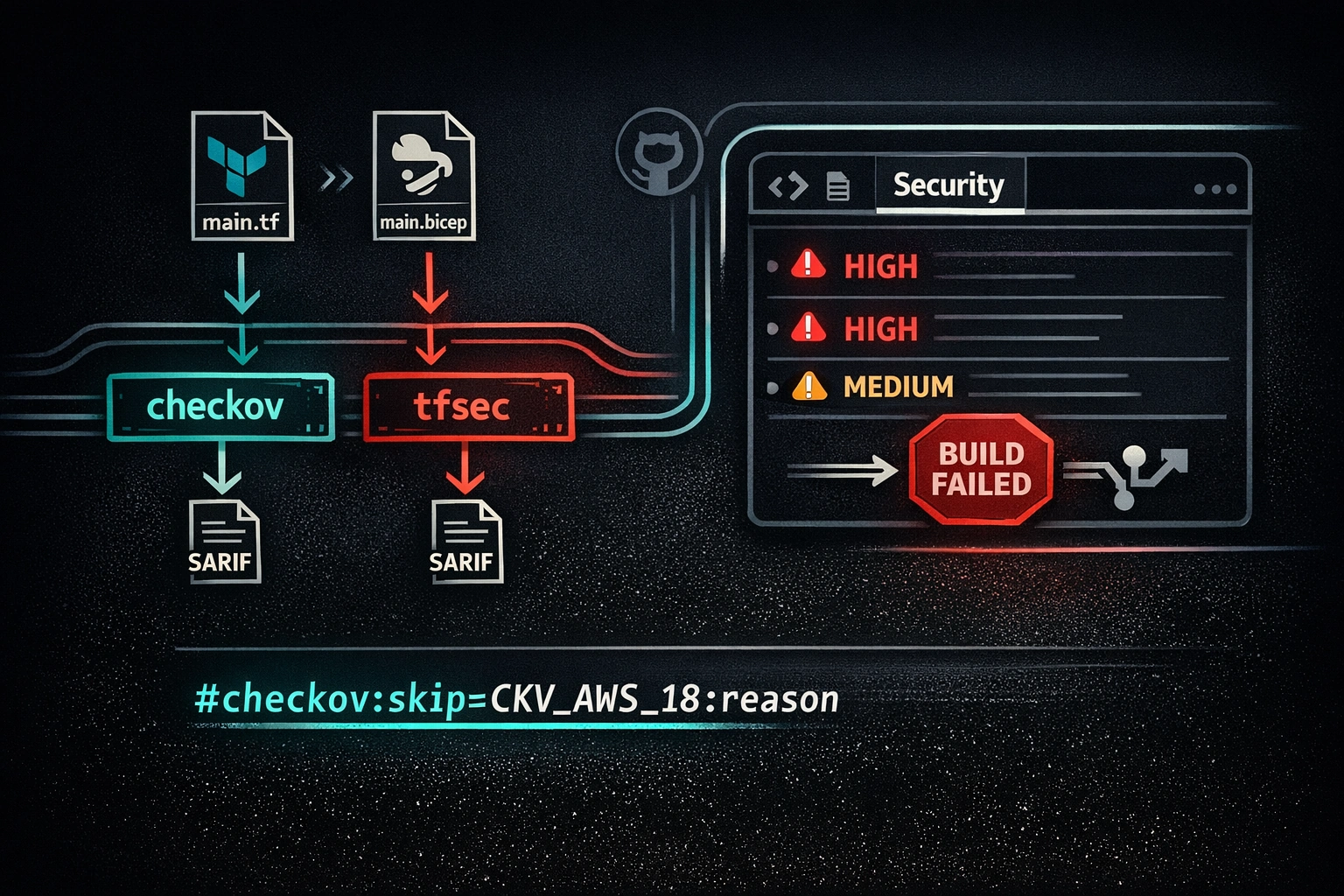
This post sets it up. Checkov and tfsec for Terraform, PSRule for Bicep, SARIF output to the GitHub Security tab, thresholds that block on exploitable misconfigurations without halting every PR for cosmetic issues, and inline suppressions that are visible in PR diffs so they actually get reviewed.
The Cost Curve
The argument for catching misconfigurations in CI is simple arithmetic. A Checkov finding caught in a pull request takes five minutes to fix. The same misconfiguration caught by a cloud security posture management tool after deployment takes hours to investigate, validate, and remediate - with a window of exposure that starts at merge and ends when someone acts on the alert. Caught post-breach, the cost is measured differently.
The CI integration is a one-time investment. Every PR that runs through it gets a scan for free.
Tool Landscape
Three tools cover most of the ground:
Checkov is the most broadly adopted. It's a Python-based static analysis framework from Bridgecrew (now Prisma Cloud) that covers Terraform, Bicep, ARM, CloudFormation, Kubernetes manifests, Dockerfiles, and more. It has over 1,000 built-in rules, produces SARIF natively, and has both a CLI and an official GitHub Action. It's the right default for mixed-provider or multi-format repositories.
tfsec is a Go-based scanner focused exclusively on Terraform. It's fast - faster than Checkov on large Terraform directories - and its rule set has different coverage than Checkov's. The two scanners are complements: running both in parallel catches things either one might miss. tfsec was acquired by Aqua Security and is actively maintained as aquasecurity/tfsec.
PSRule for Azure is a PowerShell-based framework from Microsoft, purpose-built for Bicep and ARM templates. It covers naming conventions, SKU restrictions, security baselines, and Azure Well-Architected Framework alignment. If your infrastructure is Azure-first and you're using Bicep, PSRule is the right tool for that layer - its rules are closer to Azure-native than the generic cloud rules in Checkov.
The short version: use Checkov as the baseline for everything, add tfsec for Terraform for faster feedback and additional coverage, and add PSRule for Bicep if you're on Azure.
Checkov for Terraform
Checkov's GitHub Action is bridgecrewio/checkov-action. It scans a directory, applies your rule configuration, and - critically - produces SARIF output that uploads directly to the GitHub Security tab.
A minimal step:
- name: Checkov scan
  uses: bridgecrewio/checkov-action@v12
  with:
    directory: terraform/
    output_format: sarif
    output_file_path: checkov-results.sarif
    soft_fail: true
soft_fail: true means the step exits 0 even when findings exist - the build failure comes later, after the SARIF is uploaded. This is the right pattern: you want findings in the Security tab regardless of whether they block the build.
Key flags to know when using the CLI directly (pip install checkov):
# Hard fail on HIGH and CRITICAL, soft fail on everything else
checkov -d terraform/ \
  --output sarif \
  --output-file-path checkov-results.sarif \
  --soft-fail-on LOW,MEDIUM \
  --compact

# Run only specific checks
checkov -d terraform/ --check CKV_AWS_18,CKV_AWS_21

# Skip specific checks
checkov -d terraform/ --skip-check CKV_AWS_18
The --soft-fail-on LOW,MEDIUM flag is the threshold design: LOW and MEDIUM findings don't block the job; HIGH and CRITICAL do. This keeps the scanner from becoming noise-only by day two.
To upload results to the GitHub Security tab, you need the security-events: write permission and the github/codeql-action/upload-sarif action:
permissions:
  security-events: write
  contents: read

jobs:
  checkov:
    runs-on: ubuntu-latest
    steps:
      - uses: actions/checkout@v4

      - name: Checkov scan
        uses: bridgecrewio/checkov-action@v12
        with:
          directory: terraform/
          output_format: sarif
          output_file_path: checkov-results.sarif
          soft_fail: true

      - name: Upload SARIF to GitHub Security tab
        uses: github/codeql-action/upload-sarif@v3
        if: always()
        with:
          sarif_file: checkov-results.sarif
          category: checkov
if: always() on the upload step is not optional. When Checkov finds HIGH or CRITICAL issues and exits non-zero, subsequent steps don't run by default. if: always() ensures the SARIF upload happens even when the scan step fails - which is exactly when you most need the results in the Security tab.
tfsec for Terraform
tfsec is faster than Checkov on pure Terraform - it compiles to a single Go binary and doesn't have the Python startup overhead. For a large Terraform monorepo, the difference is meaningful. Its rule set also differs from Checkov's; running both in parallel catches more than either alone.
The official action is aquasecurity/tfsec-action:
- name: tfsec scan
  uses: aquasecurity/tfsec-action@v1.0.0
  with:
    working_directory: terraform/
    format: sarif
    sarif_file: tfsec-results.sarif
    soft_fail: true

- name: Upload tfsec SARIF
  uses: github/codeql-action/upload-sarif@v3
  if: always()
  with:
    sarif_file: tfsec-results.sarif
    category: tfsec
CLI equivalent:
tfsec terraform/ \
  --format sarif \
  --out tfsec-results.sarif \
  --minimum-severity HIGH
--minimum-severity HIGH means tfsec exits non-zero only when it finds HIGH or CRITICAL issues. LOW and MEDIUM are still written to the SARIF file and appear in the Security tab - they just don't break the build. This mirrors the Checkov threshold design and makes both scanners consistent in their blocking behavior.
To run Checkov and tfsec in parallel (the right default for Terraform repositories), use separate jobs:
jobs:
  checkov:
    runs-on: ubuntu-latest
    permissions:
      security-events: write
      contents: read
    steps:
      - uses: actions/checkout@v4
      - uses: bridgecrewio/checkov-action@v12
        with:
          directory: terraform/
          output_format: sarif
          output_file_path: checkov-results.sarif
          soft_fail: true
      - uses: github/codeql-action/upload-sarif@v3
        if: always()
        with:
          sarif_file: checkov-results.sarif
          category: checkov

  tfsec:
    runs-on: ubuntu-latest
    permissions:
      security-events: write
      contents: read
    steps:
      - uses: actions/checkout@v4
      - uses: aquasecurity/tfsec-action@v1.0.0
        with:
          working_directory: terraform/
          format: sarif
          sarif_file: tfsec-results.sarif
          soft_fail: true
      - uses: github/codeql-action/upload-sarif@v3
        if: always()
        with:
          sarif_file: tfsec-results.sarif
          category: tfsec
Two parallel jobs, two SARIF uploads, two categories in the Security tab. The category parameter keeps the findings separated - Checkov findings and tfsec findings don't merge into a single undifferentiated list.
PSRule for Bicep
PSRule for Azure is the right scanner for Bicep templates. It's maintained by Microsoft, its rules map directly to Azure Policy and Well-Architected Framework requirements, and it understands Bicep's type system better than general-purpose scanners do.
The GitHub Action is microsoft/ps-rule:
- name: PSRule for Azure
  uses: microsoft/ps-rule@v2
  with:
    modules: PSRule.Rules.Azure
    inputPath: bicep/
    outputFormat: Sarif
    outputPath: psrule-results.sarif
    outcome: Fail

- name: Upload PSRule SARIF
  uses: github/codeql-action/upload-sarif@v3
  if: always()
  with:
    sarif_file: psrule-results.sarif
    category: psrule
outcome: Fail means the step exits non-zero only for failed rules, not for warnings or informational findings. Adjust to outcome: Problem if you want warnings to block as well.
What PSRule.Rules.Azure covers that Checkov doesn't: Azure naming convention enforcement, allowed SKUs for compute and storage resources, diagnostic settings requirements, Azure Policy compliance, and resource-level security baselines that are Azure-specific (Key Vault soft delete, Azure Monitor integration, Defender for Cloud plans). For Azure-native teams, this layer is worth adding even when Checkov is already running.
PSRule also supports a ps-rule.yaml baseline configuration file at the repo root for module-wide settings:
# ps-rule.yaml
requires:
  PSRule.Rules.Azure: '>=1.38.0'

configuration:
  AZURE_BICEP_CHECK_IMPORTS: true
  AZURE_BICEP_FILE_EXPANSION: true
AZURE_BICEP_FILE_EXPANSION: true tells PSRule to expand Bicep templates before analysis rather than scanning the raw HCL-like syntax - this produces more accurate results for templates that use modules.
SARIF and the GitHub Security tab
SARIF (Static Analysis Results Interchange Format) is the common language between security scanners and GitHub's Security tab. Every scanner in this post produces it. The upload action is always github/codeql-action/upload-sarif.
What the Security tab gives you:
- A persistent list of open findings, tied to the file and line that introduced them
- Grouping by rule, severity, and category - so you can see "all PUBLIC_ACL findings" without grepping through JSON
- Automatic dismissal when the finding is no longer present (the scanner doesn't find it in the next run)
- A history of when findings were introduced, dismissed, or reopened
- Ability to manually dismiss findings with a reason (false positive, won't fix, risk accepted)
The SARIF upload deduplicates: if Checkov and tfsec both report the same misconfiguration, they appear as separate findings from separate tools, not as a single merged finding. This is useful - it confirms the misconfiguration is real when two independent scanners agree.
One important caveat: the Security tab with SARIF code scanning requires GitHub Advanced Security for private repositories. Public repositories get it for free. For private repos on GitHub Enterprise Cloud or GitHub Enterprise Server, GHAS must be enabled on the repository. If you're on a plan without GHAS and running private repos, the SARIF upload step will fail silently or produce a 403 - run it conditionally or accept that findings will only appear in workflow logs.
Break-on-Severity Thresholds
The default behavior of every scanner in this post is to fail on any finding. That's the wrong default for day-to-day CI. A Terraform module that's been in production for two years will have dozens of LOW and MEDIUM findings. Failing the build on all of them means every PR that touches infrastructure blocks until someone works through the entire backlog - which means developers start suppressing everything to get PRs to merge, which defeats the purpose.
The right threshold design:
- HIGH and CRITICAL block the build. These are the misconfigurations with clear, exploitable attack paths: open security groups, unencrypted data stores, publicly accessible resources, missing authentication. They should never reach production without a deliberate decision.
- MEDIUM goes to the Security tab, doesn't block. Real issues worth tracking and fixing in the next sprint, but not enough to halt a PR that's touching an unrelated module.
- LOW is visible on request. Write it to SARIF so it appears in the Security tab if someone goes looking, but don't let it block anything.
Checkov threshold configuration:
# In checkov-action
soft_fail_on: LOW,MEDIUM
# or via .checkov.yaml
soft-fail-on:
  - LOW
  - MEDIUM
tfsec threshold configuration:
tfsec terraform/ --minimum-severity HIGH
PSRule doesn't have a native severity threshold in the same sense - its outcome parameter controls which result types cause a non-zero exit. For severity-based control, use a PSRule suppression group (covered in the next section) or a .ps-rule/Baseline.Rule.yaml to exclude specific rule severities.
The key principle: the threshold is a policy decision, not a tool decision. Write it down in your team's contributing guide, not just in the workflow YAML. When someone asks "why is this HIGH finding blocking my PR?", the answer should be in a document, not lost in a commit comment on the workflow file.
Handling False Positives
False positives are inevitable. A scanner sees a public S3 bucket and flags it. The bucket is your static website's CDN origin - public by design. The right response is a suppression with a reason, not a suppression without one.
The key principle: every suppression must include a reason, and the reason must be visible in the PR diff. A suppression comment without a reason is indistinguishable from "I didn't want to fix this." A suppression that's buried in a config file and not visible in the code is easy to miss in review.
Checkov Inline Suppression
Add a comment to the Terraform resource:
resource "aws_s3_bucket" "website" {
  bucket = "my-public-website-assets"
  #checkov:skip=CKV_AWS_20:Public read is intentional - this is the website CDN origin
  #checkov:skip=CKV2_AWS_65:ACL configuration managed separately via aws_s3_bucket_acl
}
The format is #checkov:skip=<CHECK_ID>:<reason>. The reason is not optional in the sense that Checkov will accept the suppression without it - it's optional in the sense that your code review should reject it without one.
tfsec Inline Suppression
resource "aws_security_group_rule" "allow_ssh" {
  type        = "ingress"
  from_port   = 22
  to_port     = 22
  protocol    = "tcp"
  cidr_blocks = ["0.0.0.0/0"] #tfsec:ignore:AVD-AWS-0107:Bastion host - SSH locked down at network ACL level
}
The format is #tfsec:ignore:<AVD-ID>:<reason>. tfsec uses Aqua Vulnerability Database identifiers (AVD-*) in newer versions; older rules use the aws-* prefix. Both forms work.
PSRule Suppression
PSRule suppressions live in .ps-rule/suppress.Rule.yaml:
# .ps-rule/suppress.Rule.yaml
---
apiVersion: github.com/microsoft/PSRule/v1
kind: SuppressionGroup
metadata:
  name: SuppressedStorageRules
spec:
  rule:
    - name: Azure.Storage.BlobPublicAccess
  if:
    name: '.'
    equals: storage/website-assets.bicep
  reason: >
    Public blob access is intentional. This storage account hosts static website assets
    served via Azure CDN. Access is read-only and content is not sensitive.
This suppression is file-scoped - it only suppresses the rule for storage/website-assets.bicep, not for all storage accounts in the repository. File-scoped suppressions are preferable to rule-wide suppressions because they fail safely: if a new storage account is added to a different file, it still gets scanned.
Full Workflow Example
Here is a complete pull_request workflow that runs all three scanners, uploads SARIF for everything, blocks on HIGH/CRITICAL, and only runs IaC jobs when IaC files actually changed:
name: IaC Security Scan

on:
  pull_request:
    paths:
      - 'terraform/**'
      - 'bicep/**'
      - '**.tf'
      - '**.bicep'

permissions:
  contents: read
  security-events: write

jobs:
  checkov:
    name: Checkov (Terraform)
    runs-on: ubuntu-latest
    steps:
      - uses: actions/checkout@v4

      - name: Run Checkov
        uses: bridgecrewio/checkov-action@v12
        with:
          directory: terraform/
          output_format: sarif
          output_file_path: checkov-results.sarif
          soft_fail_on: LOW,MEDIUM

      - name: Upload Checkov SARIF
        uses: github/codeql-action/upload-sarif@v3
        if: always()
        with:
          sarif_file: checkov-results.sarif
          category: checkov

  tfsec:
    name: tfsec (Terraform)
    runs-on: ubuntu-latest
    steps:
      - uses: actions/checkout@v4

      - name: Run tfsec
        uses: aquasecurity/tfsec-action@v1.0.0
        with:
          working_directory: terraform/
          format: sarif
          sarif_file: tfsec-results.sarif
          minimum_severity: HIGH
          soft_fail: true

      - name: Upload tfsec SARIF
        uses: github/codeql-action/upload-sarif@v3
        if: always()
        with:
          sarif_file: tfsec-results.sarif
          category: tfsec

  psrule:
    name: PSRule (Bicep)
    runs-on: ubuntu-latest
    if: >
      contains(github.event.pull_request.changed_files, '.bicep') ||
      github.event_name == 'push'
    steps:
      - uses: actions/checkout@v4

      - name: Run PSRule for Azure
        uses: microsoft/ps-rule@v2
        with:
          modules: PSRule.Rules.Azure
          inputPath: bicep/
          outputFormat: Sarif
          outputPath: psrule-results.sarif
          outcome: Fail

      - name: Upload PSRule SARIF
        uses: github/codeql-action/upload-sarif@v3
        if: always()
        with:
          sarif_file: psrule-results.sarif
          category: psrule
A few notes on this workflow:
The paths filter on the trigger means the workflow only runs when IaC files change. A PR that touches only application code doesn't pay the scan cost. This is important for monorepos where infrastructure and application code coexist - you don't want every frontend PR waiting for a Terraform scan.
The permissions block is at the workflow level and applies to all jobs. security-events: write is required for SARIF upload. contents: read is the minimum for checkout. If your workflow also needs to comment on PRs or create check annotations, add pull-requests: write and checks: write as needed - but only those.
The checkov and tfsec jobs run in parallel. Both upload to the Security tab with different category values. The build fails if either job fails (both are required jobs with no continue-on-error).
The psrule job has a conditional that tries to detect whether .bicep files changed. Note that github.event.pull_request.changed_files is not a reliable API for this - a more robust approach uses dorny/paths-filter or a dedicated detection step. For a repository where Bicep files are in a known directory, the paths filter on the trigger is sufficient and the per-job conditional is redundant; I've included it to show the pattern.
Closing
IaC is code. The same process that prevents application bugs from reaching production - write a test, run it in CI, block the merge if it fails - applies to infrastructure misconfigurations. An S3 bucket that's accidentally public is a bug. A storage account without encryption is a bug. They show up in the codebase before they show up in the cloud; that's when they're cheapest to fix.
The CI integration shown here is a one-time setup. After that, every PR that touches Terraform or Bicep gets scanned automatically. Findings appear in the Security tab with file and line context. Suppressions are inline, with reasons, visible in PR diffs. HIGH and CRITICAL issues block merges. Everything else is tracked for remediation without stopping work.
The alternative is catching the same issues post-deployment, in a CSPM alert, after the resource has been sitting exposed for however long it took someone to notice. That cost comparison isn't close.
Questions or corrections? Reach out.